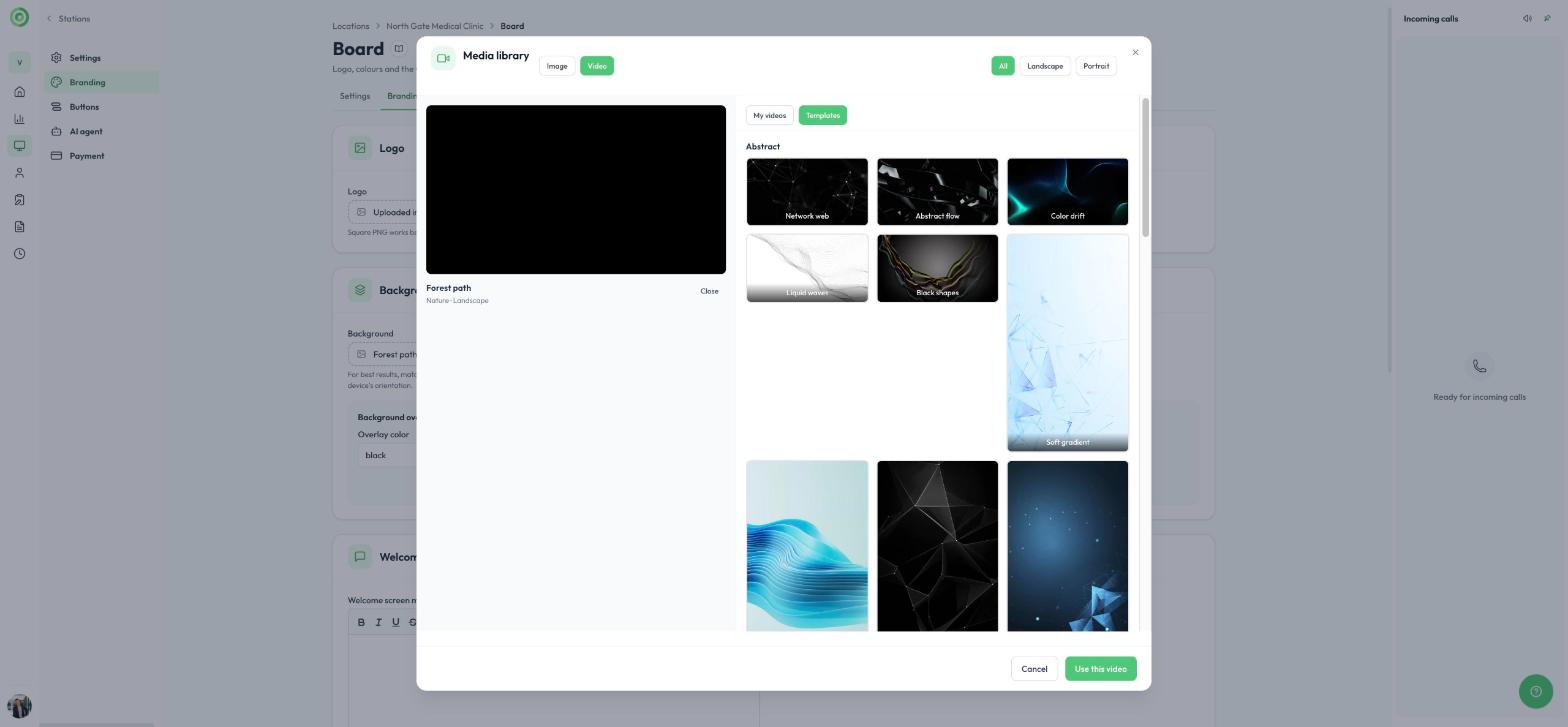
Video as background for your stations
Choose from our video library or upload your own.
Give your station a fresh, inviting look with a video background. In the main menu, click Stations, open the station and go to the Branding tab. Under Background, open the media library, select Video, then choose a landscape or portrait video from Templates, or upload your own under My videos. Formats accepted: MP4, WebM or OGG, up to 100 MB. You can then add an overlay over the background video to improve text readability.